Real World Applications of AI Beyond Chatbots
 AI
AIAI is much more than chatbots. See how it helps software teams, keeps factory machines running and lets satellites spot ships, explained simply.
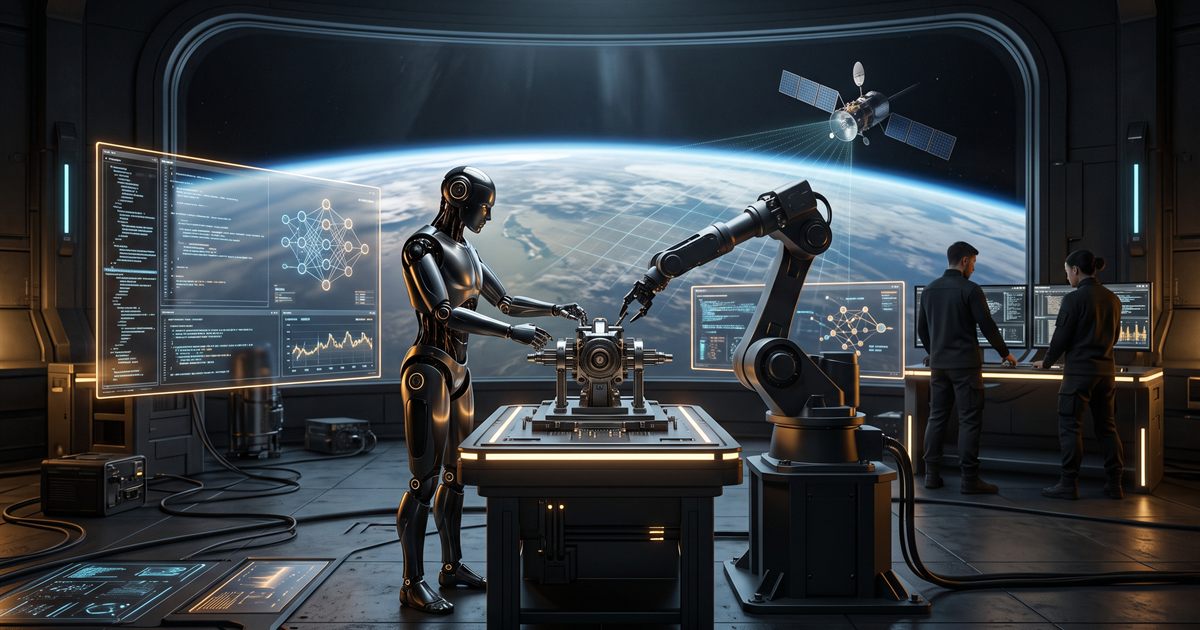
When most people hear "AI", they picture a chat window that writes emails. That's the part everyone sees, but it's only a small slice. Some of the most useful real world applications of AI never talk to you at all: they quietly test software, warn engineers before a machine breaks, and sort through satellite photos while flying hundreds of kilometres above the Earth.
This guide walks through five of those uses, from the familiar to the far-out, in plain English. No maths, no buzzwords, just what the AI actually does and why it matters.
First, a quick reminder: AI finds patterns
Every example below works the same basic way. An AI model is trained on lots of examples until it gets good at spotting patterns, and then it uses those patterns to make a quick guess about something new. It isn't thinking, and it doesn't "know" anything the way a person does.
If you'd like that explained step by step, our beginner's guide on how AI actually works covers it in a few minutes. Keep one idea in mind as you read on: the model is only part of the job. The real work is building safe, reliable software around it, so that when the AI guesses wrong, nothing important breaks.
1. Customer support that can actually get things done
This is the use most people know, but the good versions work very differently from a simple chatbot.
Older support bots followed strict scripts. If you typed "change my billing date" in a slightly different way than expected, or made a typo, they got stuck. Modern systems use AI for the part it's genuinely good at: understanding messy human language. Then they hand the actual work to ordinary, well-tested software.
Here's what that looks like. You write, "Can you move my payment to the 15th, I get paid late this month." The AI turns that into a clear, structured request, something like change payment date to the 15th. The company's normal billing system checks that the request is allowed and makes the change. The AI never touches your account directly.
That separation is what makes it safe. AI can confidently make things up, so careful companies never let it be the final authority on your money or your data. A lot of people get this wrong in their own use of AI too, treating it like an expert instead of a fast assistant that needs checking. We cover that, along with tools that genuinely save time, in why most people use AI wrong.
2. AI inside software development
Behind every app you use, AI is now helping the people who build it. Here are a few real examples of AI in software development:
- Writing and explaining code. Coding assistants suggest the next few lines, explain unfamiliar code and draft simple functions from a description.
- Choosing which tests to run. Big projects can have thousands of automated tests that take a long time to finish. AI tools look at what changed in the code and at which tests failed in the past, then run the tests most likely to catch a problem first. Developers get feedback much sooner.
- Keeping software up to date. When a library a project depends on has a security problem, AI tools can draft the code changes needed to update it, run the tests and open a request for a human to review.
- Tracking down login problems. When users get logged out unexpectedly, AI can scan error logs and point to the likely cause, such as an expired login token. Developers then confirm it by reading the token itself, which our free JWT decoder does in the browser, showing exactly when a token expires.
The common thread is that a person still reviews the result. AI handles the repetitive groundwork; developers make the final call.
If you work with AI coding tools like Claude Code, Cursor or Copilot, the quality of their output depends heavily on the instructions you give them. Our free CLAUDE.md and AGENTS.md generator creates a ready-made rules file for your project, so these assistants follow your stack and standards without you repeating them every time.
3. Factories and power plants: fixing machines before they break
This is where AI stops being about screens and starts protecting real equipment.
Picture a large industrial pump in a power plant. It's fitted with sensors that measure vibration, sound and temperature many times every second. The old approach was simple: sound an alarm when the temperature or vibration crosses a fixed limit. The problem is that by the time a machine is that hot or shaky, the damage inside has often already happened.
AI makes a smarter approach possible, known as predictive maintenance. A model learns what the machine sounds and feels like when it's healthy. Then it watches for tiny changes in the vibration pattern, too small for a person to notice, that tend to appear well before a part fails. Engineers get an early warning and can plan a repair, instead of dealing with a sudden breakdown.
These models often run right next to the machine on small, low-power computers. This is called edge AI: the thinking happens on the device itself rather than in a distant data centre. It keeps working even if the factory's internet connection drops, and it reacts almost instantly. Edge AI examples in real life are all around you, from phone cameras that sharpen photos as you take them to smart doorbells that recognise a person at the door.
Running things on the device has a second benefit: privacy. When data never leaves the machine, there's nothing to leak along the way. We build our own free online tools on the same idea. They convert, merge and unlock files inside your browser, so your documents are never uploaded anywhere.
4. AI in space: satellites that sort their own photos
Now for the most extreme example. Satellites in low Earth orbit travel at roughly 28,000 kilometres per hour and photograph huge areas of the planet every day.
For years, satellites simply stored every photo and waited to fly over a ground station to send them down by radio. But cameras capture far more data than those short radio windows can send. A lot of that space was wasted on photos that were mostly clouds.
So how is AI used in space? Increasingly, satellites carry small computers that run AI on board. A model checks each image as it's taken and throws away the cloud-covered ones, so only useful pictures are sent home. Other models scan radar images, which work through clouds and at night, to spot ships at sea. Matching those ships against their tracking signals helps authorities find vessels that have switched their trackers off, for example during illegal fishing.
It's a tough place to run software. Power is limited, there's no one to press restart, and radiation from space can flip bits in a computer's memory. The software has to keep running safely through all of that.
5. The AI you already carry: your phone
You don't need a factory or a satellite to use these ideas. Your phone runs AI models on its own chip every day, and most of the time you don't notice. These are some of the most common uses of AI in daily life.
Take scanning a document. When you point your camera at a form or a receipt, on-device AI finds the edges of the page, straightens it, removes shadows and sharpens the text so it reads clearly. Some phones also recognise the words in the image, so you can copy text straight out of a photo. All of that happens in a split second, without sending the picture to a server.
Other everyday examples work the same way: face unlock, the keyboard that predicts your next word, photo apps that group pictures of the same person, and voice typing that works even in airplane mode.
The next step after scanning is often the boring part, turning several photos into one file you can email or upload. Our free Image to PDF tool combines photos into a single PDF in the right order, and if you already have separate PDFs, Merge PDF joins them into one. Both run in your browser, so your documents stay on your device, just like the AI in your phone.
What all of these have in common
These examples look very different, from a phone in your pocket to a satellite in orbit, but they share a pattern.
The AI model is never the whole system. In customer support, ordinary software checks every request before anything changes. In development, a person reviews the code. In factories, the model runs on hardware that keeps working offline. In space, the software is built to survive faults without crashing.
How much can go wrong also changes as you move along the list. A slow chatbot is annoying. A missed warning on an industrial pump can be very expensive. That's why the most important AI work often happens in the less glamorous parts: testing, safety checks, and making sure the system behaves sensibly when the AI gets something wrong.
My takeaway
Chat assistants are useful, and I use them every day. But they're the most visible part of AI, not the most important. The real world applications of AI that matter most are the quiet ones: software that helps build better software, sensors that catch problems early, and satellites that decide which pictures are worth sending home.
The lesson is the same at every level. AI is a powerful pattern-finder, and its value depends on the careful engineering around it.
FAQs
What are some real world applications of AI?
AI is used in customer support, coding tools, fraud alerts at banks, maps that predict traffic, factory machines that warn before they break, medical scan analysis, and satellites that filter their own photos. Many of these work quietly in the background.
How is AI used in space?
Satellites use on-board AI to discard cloudy images before sending data to Earth, and to spot objects such as ships in radar images. This saves limited radio time and gets useful information to people faster.
What is predictive maintenance?
It's using sensor data and AI to predict when a machine is likely to fail, so it can be repaired before it breaks. The AI learns the machine's normal behaviour and flags small changes that often come before a fault.
What is edge AI?
Edge AI means running an AI model on the device itself, such as a phone, camera, factory sensor or satellite, instead of sending data to the cloud. It's faster, works offline and keeps more data private.
What are some uses of AI in daily life?
Face unlock, document scanning, keyboard predictions, photo search, voice typing, spam filters, navigation apps that predict traffic, and streaming services that recommend what to watch next. Many of these run on your phone without needing the internet.
Is AI replacing software developers?
Not in these examples. AI handles repetitive tasks like suggesting code, choosing tests and drafting updates, while developers design the system, review the changes and make the decisions.
Writer, Blogs Byte
Daniel Brooks writes plain-English guides on AI and everyday technology for Blogs Byte, focused on what actually works for ordinary users: clear steps, honest limits and no hype.